
Just Chatting, ASMR, & Talk Shows
Just Chatting

Just Chatting is Twitch’s most popular category, where creators can engage directly with their audience without gaming as the primary focus. This category encompasses everything from casual conversations and lifestyle content to educational discussions and interactive experiences. Reading and responding to chat is key as it keeps the flow of conversation going and fosters a welcoming environment where conversations naturally develop.
Just Chatting streams are typically solo-focused streams that put you at the center of your show. From hosting talk shows to creating ASMR these streams thrive on your personality and direct connection with your community. Although content topics can vary, keeping content engaging is essential - even for educational or technical subjects.
Engagement
Engagement is crucial for success in Just Chatting streams. Creators in this category must excel at providing a constant flow of conversation, and seamlessly blend personal stories and commentary with viewer interaction. Reading and responding to chat in real-time is essential, as it provides a dynamic dialogue and encourages participation. Successful streamers in this category can keep chat going in quieter moments as well as keep up the pace when chat is moving quickly.
- Ask open-ended questions
- Share relatable talking points
- Craft interactive segments
- Add in visual images
- Create unique recurring segments
- Encourage viewer contributions
Just Chatting Streamer Strategies:
Personal skills play a large role in the Just Chatting category. Practice with public speaking and storytelling can help maintain audience interest, while being able to improvise and go with the flow can help you navigate unexpected conversations. Energy management is also important, as maintaining high levels of engagement and enthusiasm for extended periods of time requires both stamina and authenticity.
ASMR
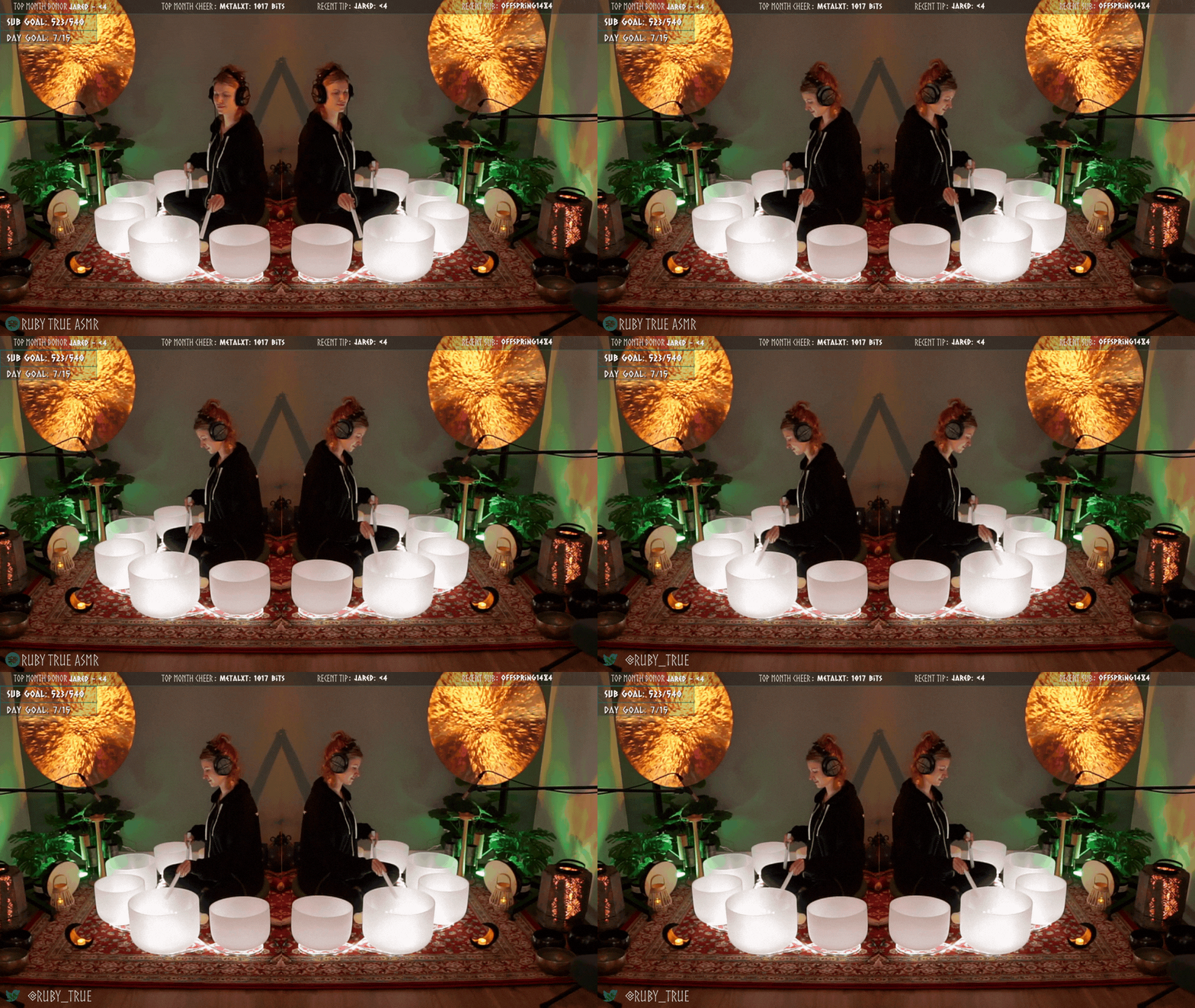
RubyTrue Says: “You control your space and the people in it.” Don’t be afraid to utilize Twitch moderation tools to set boundaries and ensure your comfort.
ASMR (autonomous sensory meridian response) can be felt as a tingling sensation in response to a gentle stimulus. ASMR streams provide a tranquil space where sound and ambiance is utilized to promote relaxation. Building a community through ASMR can feel challenging as there is less interaction. Consider finding a balance between chill and interactive that suits you and your chat.
ASMR Streamer Strategies:
You can use any microphone to get started with ASMR content. Microphones that offer the most clarity and the least ambient noise are ideal. While wearing headphones can help you to monitor yourself during the stream, they can also cause feedback from getting too close to the mic. In ASMR streams everything has the potential to be amplified - be aware of your movements and environment.
Playing a gentle meditation, rain, or chime audio that is licensed by you in the background can help to fill the stream with sound, so there is always something to listen to. Adding sound in the background can also help mask additional sounds in your space.
Talk Shows

You can find popular podcasts, sports conversations, and Q&A style shows on Twitch! These shows are typically live streamed conversations or discussions, featuring a host and guests, similar to a traditional talk show. The host interviews guests about a specific theme and engages in related conversations with chat. These shows cover a wide range of topics from gaming news to current events, and sports to pop culture.
Talk Shows on Twitch often encourage audience interaction through chat, allowing viewers to comment, ask questions, and participate in discussions - making them stand out with high levels of engagement.
Interaction Inspiration
Viewers come to stream to interact with you and your content. From redeeming something silly with Channel Points to setting off unique Alerts with Subscriptions and Bits, having interactive elements boosts engagement and fosters connection.
Create custom rewards that can be seen on screen in real-time. Lean into redemptions that suit your stream and are unique to your channel. Whether you’re taking a water break, changing the lighting, or encouraging chat to cheer you on, Channel Points are the perfect way to create custom engagement for your community. | |
|---|---|
Adding a Community Challenge gives your viewers the opportunity to use their Channel Points to unlock special events or streams! From special streams to celebratory, you can add any type of challenge. Ask your community to see what type of challenge would interest them the most! | |
Posting a Poll is a great way to receive feedback from your viewers. The right Poll can help direct your content and align it with community interests. Letting your chat vote on the next ASMR stimulus, the next podcast topic, or what you will react to lets you know what they’d like to see next! | |
Involve your community in the fun by letting them set off sound effects, play with a virtual pet, put a sticker on stream, and more. There are Twitch Extensions categories for engagement, loyalty and recognition, music and more so you’re sure to find the right one for you! |


