
Creative, Coding, & Co-working

Art comes alive through interactive, real-time experiences in the Creative category. Digital illustrations, cosplay creations, intricate needle work, 3D printing, and sculptures are a few examples of the incredible talents showcased across Twitch’s Creative categories. Viewers join in the journey of watching ideas turn into reality while learning techniques and finding inspiration.
Twitch’s creative space is a home for artists at any stage. These categories welcome those who are just starting a new skill, established artists with a variety of experience, and those who are experts in their craft. A careful consideration of education, entertainment, and progress can help you find a balance in your streams.
Creative Stream Set Up
Setting up a Creative stream requires thoughtful camera placement and lighting to showcase both you and your work. A two camera setup (or camera plus smartphone) allows viewers to see both your face and an overview of your project. Prioritize your audio quality and proper lighting to further enhance the experience for your viewers. Adding visuals of your project and commands for patterns and supplies helps viewers to follow along and engage with your creative process.
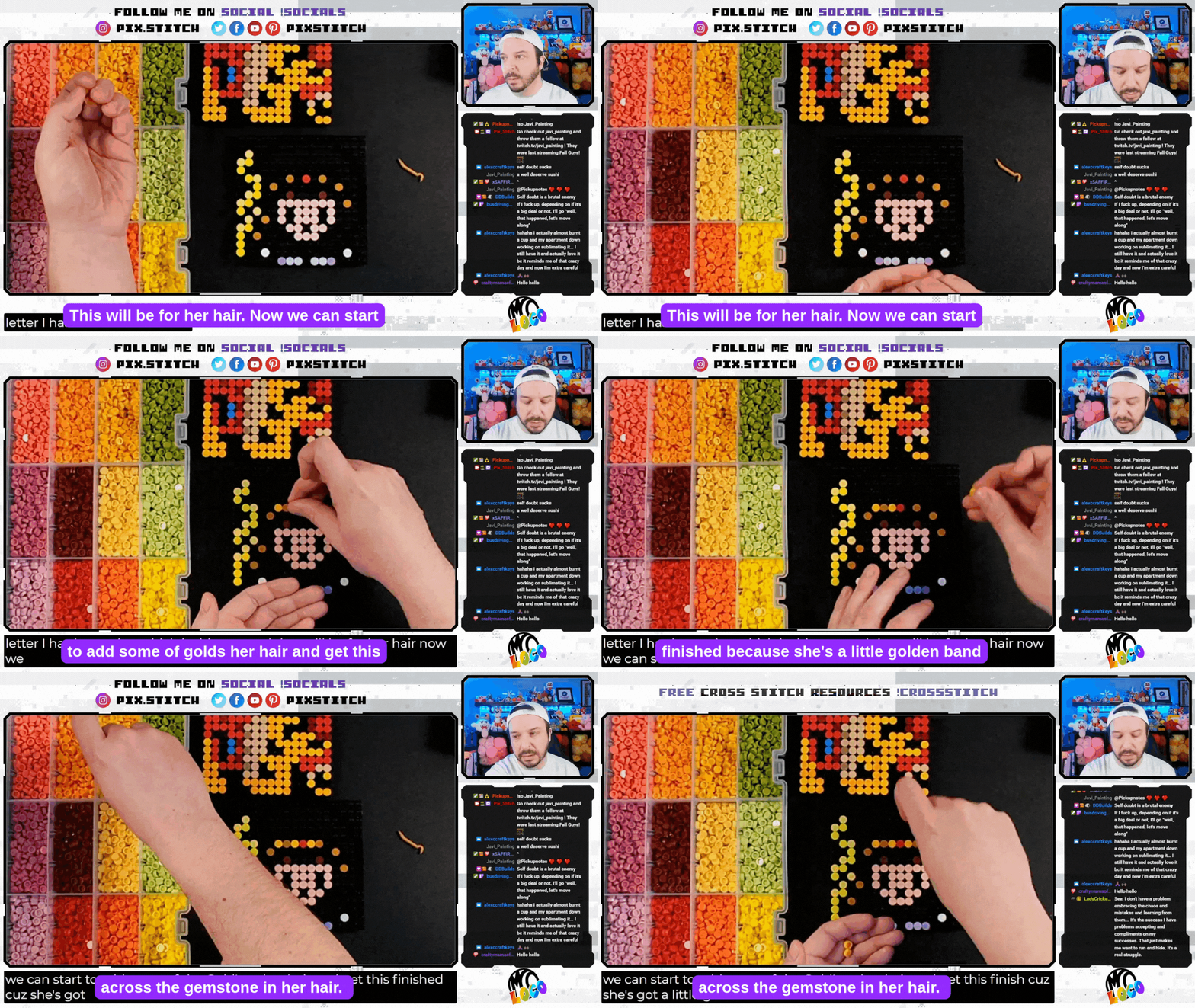
Pix_Stitch Says: “Avoid slower-paced things that can be tedious and uninteresting such as color matching and testing cross stitch flosses for digital designs.”
Creative Streamer Strategies:
With Creative streams you’re crafting twice - once with your hands and again through sharing the experience with your community. Try out projects that you can complete in a single stream to build confidence and show off the full creative journey. Being open to different approaches and techniques can encourage conversations, while referring technical questions and discussions to off-service channels or social networks can keep the stream engaging while providing a space for deeper discussions.
Show & Tell
Show and Tell segments create powerful opportunities for community engagement and inspiration, and encourage viewers to share their own creations. Create a space for community members to post in-work progress updates and then set a date where they can show off and celebrate completed projects on stream! These special moments help build lasting connections in your community.
TWITCH TIP:
Unboxing streams can be used to showcase new supplies from channel support and demonstrate how viewers can directly contribute to your artistic journey and content quality! Remember to keep shipping labels hidden from camera view.
Artists & Makers Creator Club
Artists & Makers Club | Creatives have long made Twitch their canvas and we’re happy to offer them a close-knit community with the Artists and Makers Club. Any and all crafts, physical and digital, are welcomed. Share your projects and find the advice to help make your hobby and passion grow! Apply here! | |

Coding
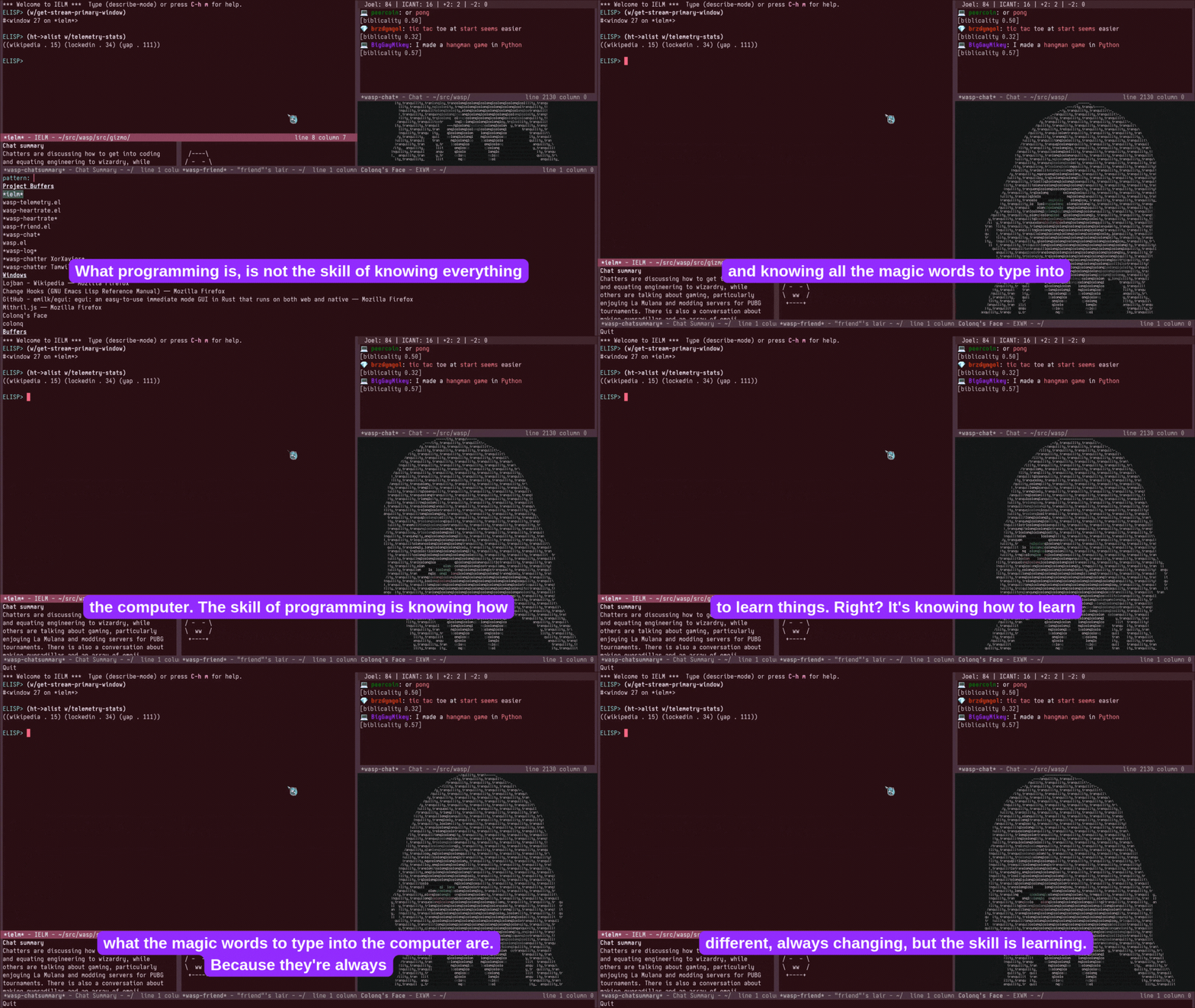
LCOLONQ Says: “Whenever I’m streaming, I want 100% of my focus and effort to be on entertaining the people watching.”
The Software and Game Development Category can also be found within Twitch’s creative sphere. Viewers can watch the coding process while seeing different styles, asking questions, and giving feedback in the chat. From debugging to asset creation and level design, streamers can share their development journey with the world. Tap into this Category to engage with other devs, receive feedback on projects, and build a tech-savvy community.
Coding Streamer Strategies:
Prior to the stream, prepare a project and review relevant background information. While it’s valuable to show the learning process on stream, it’s helpful to have some basic programming knowledge when you start.
Remember not to get too engrossed into your project. Successful coding streams have a balance of productivity and entertainment. Streams that are too focused on particulars can have a weaker reaction from your audience. Ask yourself why someone would watch what you are doing, how it is appealing, and lean into what your community responds positively to.
Co-working

Body doubling allows streamers and viewers to be productive while they complete a task, improving focus and motivation. The presence of another person helps to create accountability and provide support, which can help keep you on track. Body doubling is a wonderful way to connect with others while reading, writing, working, and more.
Co-working creates a unique opportunity for broadcasters to be accountable while they work, study, or complete a project alongside their chat. Co-working streams are set up to provide a quiet but collaborative environment that aims to increase productivity and motivation for everyone involved.
Focus, Break, Repeat
The majority of co-working streamers utilize the Pomodoro Technique, which involves focused work intervals followed by short breaks. It is recognized as a great way to improve concentration, productivity, and focus.
Other streamers utilize a Flowtime method where they focus while they are in the zone, and take breaks when they feel they need to recharge. This method can result in longer focus periods that feel more natural and uninterrupted.
Co-working Streamer Strategies:
Co-working streamers can find it challenging to build a community due to being focused on the task at hand, versus entertaining their chat. This makes break times extra special for everyone! You can fill this time in a way that best suits your style, but common choices are catching up on Channel Point redemptions, playing games, and conversing with chat.
Utilizing a timer for your focus or break periods is a great way to stay on track. Timers also keep your community informed of your schedule and when they can interact with you. Build special routines and customs for your break times to create buy in and build anticipation.
Co-working and Coding Club
Co-working and Coding Club | Streamers who love to stay on task will find that the Co-working and Coding Club a productive use of their time. Finish sending those emails and getting through your language flash cards because this Club has you covered! The community in the Co-working and Coding Club will keep you company and provide the accountability buddy you never knew you needed. Apply here! |
|---|

Interaction Inspiration
Streams thrive on community involvement. Develop opportunities to encourage viewer participation, spark conversations, and explore new ways to incorporate viewer ideas and reactions to keep viewers interested and engaged throughout all parts of your stream. Try a Twitch tool in a new way to set your stream apart!
Community Days | Invite your viewers to get involved in the stream. Have chat determine the activity, contribute to a collective project, or host a craft-a-long. Set up a show and tell segment to highlight viewer creations, converse about the highs and lows of creating, and provide opportunities to involve your community to foster connection and reasons to return to stream. |
|---|---|
Authentic rewards that align with your channel make the best rewards. Redemptions that can be seen on screen in real-time and create a response from you are popular with viewers. From requiring you to switch projects and cheering you on to triggering alerts, Channel Points can engage your audience and involve them with what’s happening in the stream. | |
Polls can help you gather feedback from your community. A great Poll can highlight community interests and help you plan out activities. Letting chat vote on what you’ll paint, guess what you’re crocheting, or suggest what you code next lets them be a part of the fun! | |
Predictions let your community take a guess at what’s going on. From 10 points to over 200,000 your community can risk their points on a fun Prediction! Whether they’re guessing what you’re working on or how many illustrations you’ll draw, Predictions are a great way to engage viewers. | |
Extensions can transform viewers into cute characters on the screen, interact with an idle pet, or set off sounds. From submitting sketches, displaying your latest artwork, or applying a fun filter to your stream Extensions can keep things exciting for everyone! |


