
Bits and Subscriptions

Viewers Cheer and Subscribe because they enjoy watching you! Find a balance between your content and opportunities to monetize. We have seen that the more an audience member perceives the broadcaster to be entertaining and engaging, the likelihood of increasing revenue generated grows. Thank your community members and supporters in ways that feel authentic to your stream's style.
Bits
Bits are a purchasable virtual good that viewers can use to Cheer in chat to show support, celebrate moments, and amplify messages. Bits can be used one by one, all at once, or anything in between. Using many Bits at once shows more support through cool animations called Cheermotes.
Monetized users can earn revenue when Bits are used in certain Extensions on their channel. When Bits are used through an Extension a portion is shared with the Extension developer.
TWITCH TIP:
Creators that use monetized extensions tend to generate on average 280% more Bits revenue than those that don't.
Do not solicit Bits in exchange for money, donations, items, or services. Selling, trading, bartering, or transferring Bits to other users in exchange for currency or using Bits to bet or wager is prohibited. For more information on what may or may not be permitted, please reference the Bits acceptable use policy.
Subscriptions
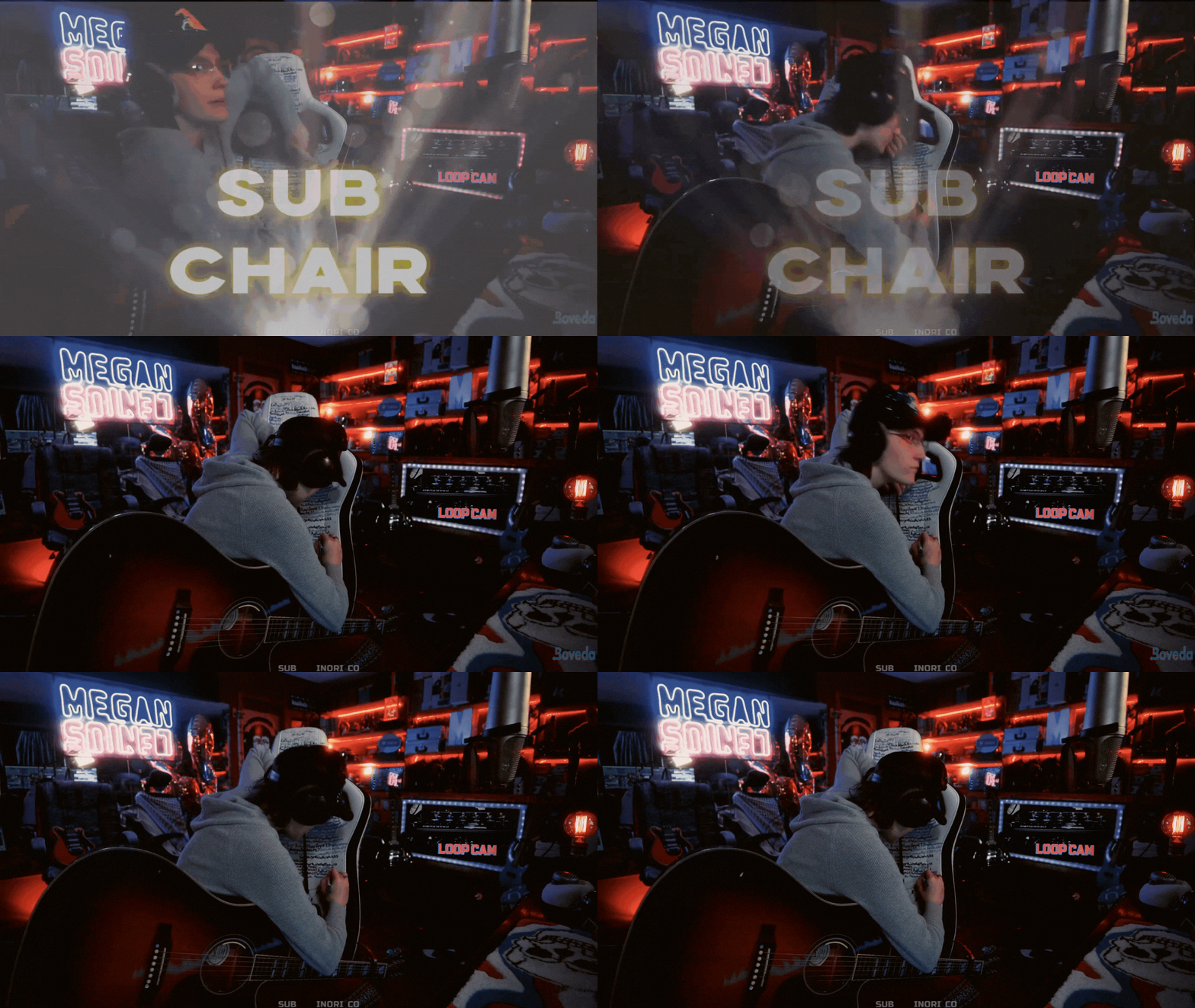
Subscriptions (Subs) on Twitch are a way for viewers to provide consistent support for streamers and get rewarded with exclusive perks for doing so. Subscribers gain access to custom global Emotes, subscriber badges, ad-free viewing, and more. Twitch subscription prices are adjusted to reflect the cost of living where subscribers reside. Local subscription pricing helps creators grow their community and revenue and provides the same subscription benefits.
| Subscriptions | Gifted Subscriptions | Prime Gaming Subscriptions |
|---|---|---|
A Sub allows a viewer to pay a monthly rate to support your channel. This can be either recurring or on a one-time basis. Subs will receive access to your Emotes and other defined benefits. There are multiple tiers available to subscribers that want to provide additional levels of support by raising the monthly rate. | Gifted subscriptions are a way for viewers to gift a sub to your channel to another user. Gifted subs support your channel like a typical sub and gift recipients have the option to become a regular subscriber after their gifted sub expires. Gifted subscriptions can be made in single or multi month lengths. | Prime Gaming is included with Amazon Prime and includes one free channel subscription per month. Prime Gaming members are set up on a non-recurring basis, so it's always a great idea to use a call-to-action (CTA) to remind your Prime Gaming subscribers to renew every month. |
TWITCH TIP:
Set a Subscription goal in your Twitch Dashboard to encourage subscriptions from your community!
Bonus Sub Benefits
Anyone with a sub to your channel is eligible to receive exclusive subscriber only benefits established by you. Bonus benefits for subscribers are additional benefits that streamers can choose to offer as an additional thank you for community support. You know your viewing audience best - add sub benefits that make the most sense for you and your community. Additional benefits often utilized off of Twitch are special server access or merch discounts.
| Benefit Type | Description | |
|---|---|---|
Emotes | Custom Emotes are available to monetized users on Twitch. Subscribers to your channel will have access to a number of Custom Emotes that they can use globally across Twitch. Emotes have the ability to foster connection with your community, enhance chat interactions, and incentivize subscriptions. | |
Sub Badges | Subscriber badges are based on duration and displayed beside names in your chat. As viewers accumulate time subscribed and reach specific milestones you can customize further with badges to thank them for continued support. Custom badges can be uploaded for different lengths of subscription duration. Unique channel specific badges that evolve over time give subscribers something to look forward to reaching! | |
Sub-Only Chat | Anyone who meets the standard settings you establish for your channel can talk in your chat. Subscriber-Only chat permits only those subscribed to your channel to post in the chat. | |
Sub-Only VODs | Past broadcasts can be viewed by anyone. Monetized users can make VODs viewable only to their subscribers by enabling Subscriber-only archives in their settings. | |
Ad-Free Viewing | Subscribers of your channel won't see mid-roll or banner ads during your stream when ad-free viewing is enabled. | |
No Slow Mode | When enabled, Subscribers of your channel can bypass the slow mode filter and post messages without timed restrictions. | |


Best Practices
| Do | Don't |
|---|---|
|
|